
Automatic upper arm blood pressure monitor: buying guide
10 products in the catalogue
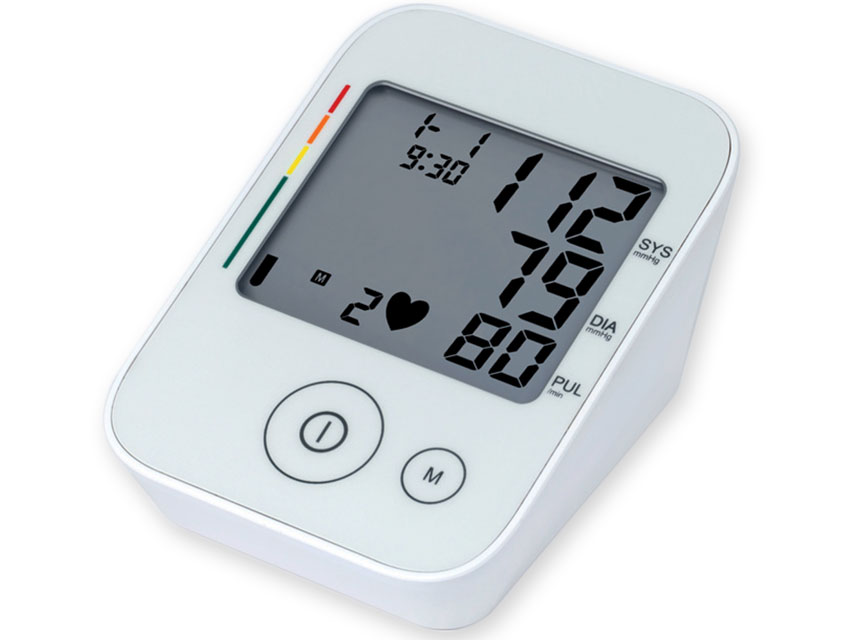
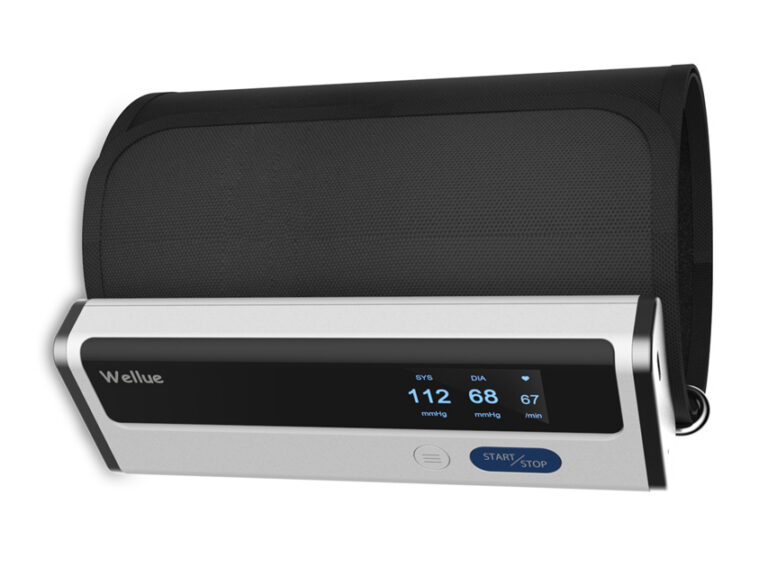
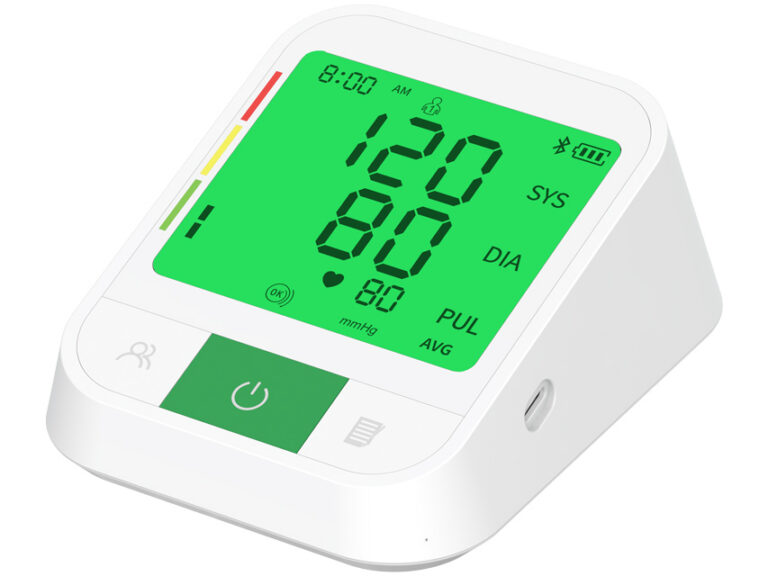
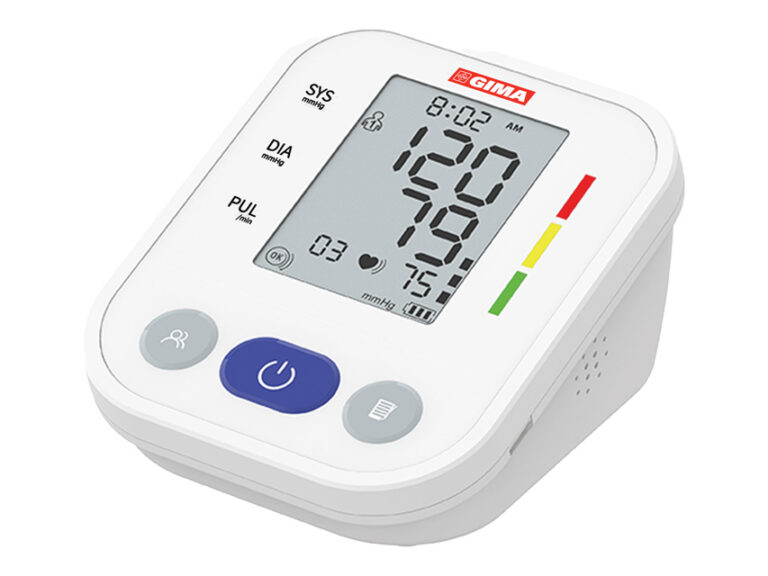
An automatic upper arm blood pressure monitor is a blood pressure monitor with a cuff for the upper arm. The devices in this selection are digital and oscillometric, some with Bluetooth connectivity and one with an irregular pulse alert, and can be operated by healthcare staff as well as by the users themselves.
Before deciding, look at three aspects: the arm circumference range that the cuff covers, the type of power supply and the memory capacity. This avoids buying a device that does not fit the expected volume of measurements or the people who will use it.
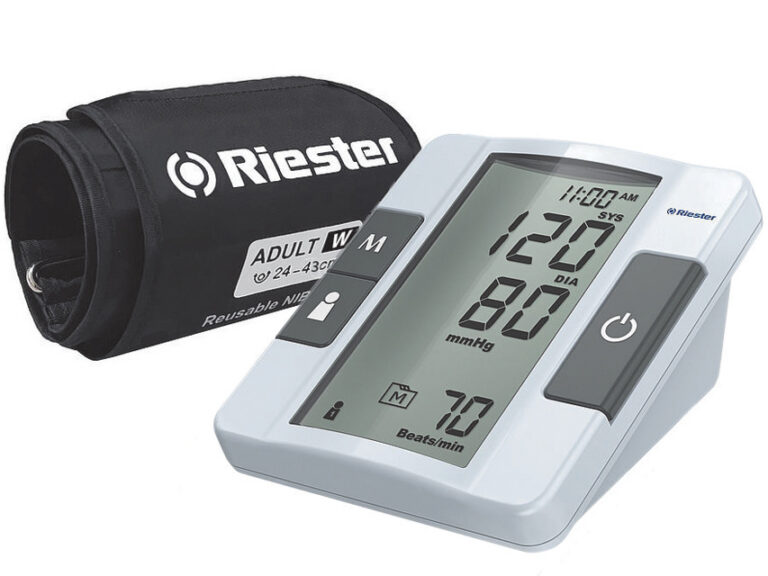
Other related families
-
 Diagnostics and Monitoring
The family in which the blood pressure monitor itself sits, the product being compared.
-
 Blood Pressure Monitor Cuffs
Cuffs are the part that most affects the purchase, because the cuff size determines whether the device suits the user.
-
Blood Pressure Monitor Accessories
Groups the accessories associated with the monitor, useful when replacement or expansion of the device is planned.
Products in this guide
- Batteries 7
- Mains power 3
- Rechargeable battery 1
-
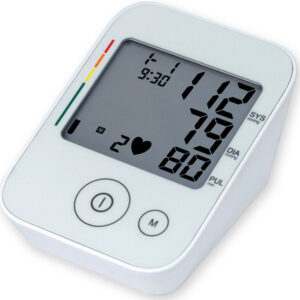
ANDON Digital Upper Arm Blood Pressure Monitor Ref. 32901 – Automatic Blood Pressure Monitor using the Oscillometric Method with LCD Screen, WHO Indicator and Arrhythmia Detection (HB)
21,85 € In stockAdd to basket -
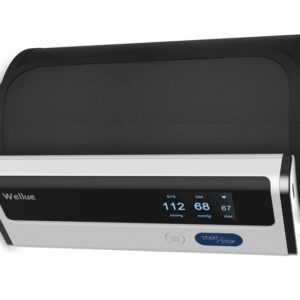
BP2A Upper-Arm Blood Pressure Monitor Bluetooth – Automatic Blood Pressure Monitor with Integrated Cuff 22-42 cm, OLED Screen and ViHealth App
75,05 € In stockAdd to basket -
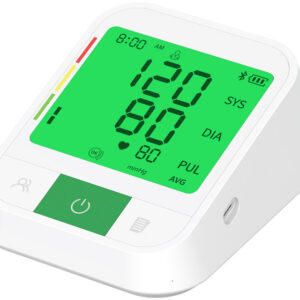
X-CHECK PRO Automatic Digital Upper Arm Blood Pressure Monitor with Bluetooth – Oscillometric Blood Pressure Monitor, 4.2″ LCD Screen with 4-Colour Backlight, Irregular Heartbeat Detection and 2×120 Memory (Ref. 49872)
30,40 € In stockAdd to basket -
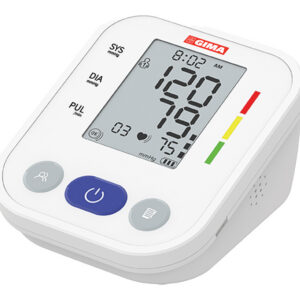
X-CHECK digital arm blood pressure monitor (Ref. 49874) – Automatic oscillometric blood pressure monitor with 22-42 cm cuff, 2×99 memory, irregular heartbeat detection (IHB) and WHO indicator
20,90 € In stockAdd to basket -
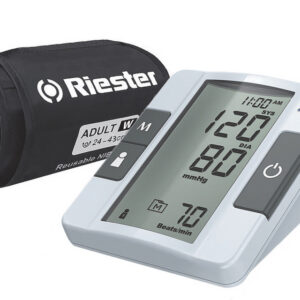
Automatic Digital Arm Blood Pressure Monitor RI-CHAMPION Smart Pro+ (Model 1735) with Adult Cuff, Irregular Heartbeat Detection and Memory for 400 Readings | Blood Pressure Monitor Class IIa (Ref. 49950)
91,20 € In stockAdd to basket -
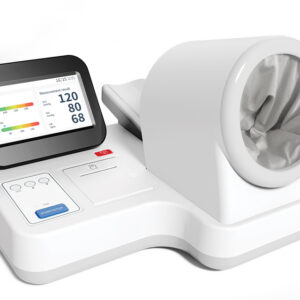
Automatic Digital Upper Arm Blood Pressure Monitor Pharmacy (Ref. 49980) – Oscillometric Monitor with Integrated Cuff 17-42 cm, 7″ Colour Screen and Results Printer
1.520,00 € On orderAdd to basket -
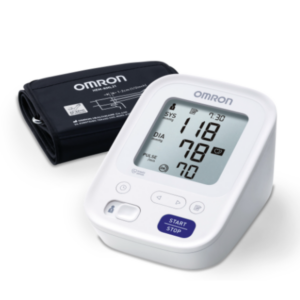
Arm Blood Pressure Monitor Omron M3 Professional (HEM-7154-E) – Automatic Blood Pressure Monitor with Easy Cuff 22-42 cm, 2×60 Memory and Irregular Heartbeat Detection
58,87 € In stockAdd to basket -
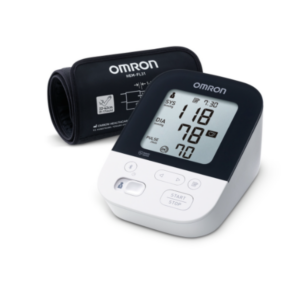
Arm Blood Pressure Monitor Omron M4 Connect AFib (HEM-7155T-EBK) – Automatic Oscillometric with Atrial Fibrillation Detection, Intelli Wrap 360° Cuff (22-42 cm), Bluetooth and Omron Connect App
63,58 € In stockAdd to basket
View the Blood Pressure Monitors and Arterial Pressure Monitors family
Buying and selection tips
-
Match the cuff to the arm being measured
The cuff's circumference range is part of the specifications and must cover the arm circumference of the usual users. Check it on each model, because cuffs come in different ranges.
-
Choose the power supply according to volume of use
Devices can run on batteries or on mains power, depending on the model. For a counter with many readings, mains power is best; for home visits, battery autonomy.
-
Treat the irregular pulse alert as a signal
Some models incorporate irregular pulse detection. It is a device function, not a diagnosis; check in the description whether the model declares it.
-
Plan memory and number of users
Some monitors store readings for one or two users. If the device is to be shared, this separation avoids mixing up records.
-
Consider connectivity
Several models in the selection declare Bluetooth connectivity. It is a useful criterion if results need to leave the device; check which app or system each model supports.
-
Check whether you need an auscultatory mode
Some devices combine the oscillometric mode with an auscultatory one. This is a criterion to consider only if the department works with both techniques.
Frequently asked questions
What arm circumference range should I require of the monitor's cuff?
It depends on the users it will serve. If the device is shared among adults of different builds, a wide range avoids having to change cuff.
What is the difference between a blood pressure monitor with Bluetooth and one without?
Models with Bluetooth can send results to another device. Check in the description which app or system each model supports.
What power supply suits me if the monitor will be used intensively?
If it stays on a counter with many readings, mains power avoids running out of batteries. For home visits, battery autonomy is more practical.
Can I use the same monitor for children or for people who cannot express themselves?
Not in all cases. Check the limitations of use stated by the manufacturer of the specific model before assigning it to those users.
What memory and how many users should I require if the device is shared?
It depends on the volume of follow-up. Check how many readings each model stores and whether it separates users.
Is an upper arm monitor the same as a wrist one when ordering?
No. They are different categories; if the measurement must be taken on the arm, select an upper arm device and check the cuff range.
Common questions
Thinking that any cuff fits any arm
Cuff size is part of the specifications. Check its range before using one not supplied with the device.
Assuming that automatic mode covers all situations
Some devices add an auscultatory mode. If the department needs to cross-check readings, choose a model that provides for it.
Choosing a wrist model when measurement on the arm is needed
They are different categories. Check that the device is an upper arm one and its cuff range.
More products in this guide
-
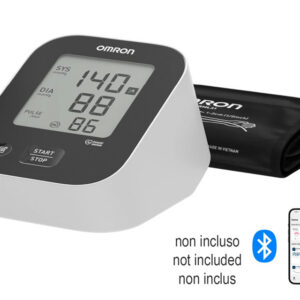
Digital Upper-Arm Blood Pressure Monitor Omron M2+ CONNECT (HEM-7188T1-LE) – Automatic Oscillometric with Intellisense, Bluetooth with OMRON Connect App, 22-42 cm Cuff and Irregular Heartbeat Detection
61,75 € In stockAdd to basket -
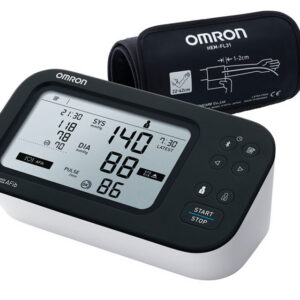
Arm Blood Pressure Monitor Omron M7 Intelli IT AFib (HEM-7380T1-EBK) – Automatic Digital Monitor with Atrial Fibrillation Detection, Intelli Wrap 360° Cuff (22-42 cm), Bluetooth and OMRON Connect App
102,60 € In stockAdd to basket